Public Talk Speakers Scheduling for Jehovah's Witnesses Congregations
Between local speakers, visiting speakers from neighboring congregations, outline tracking, song coordination, and the occasional Saturday-morning cancellation, the role involves more logistics than most elders realize before they're appointed to it. Let's see how this manual work can be optimized with Organized App.
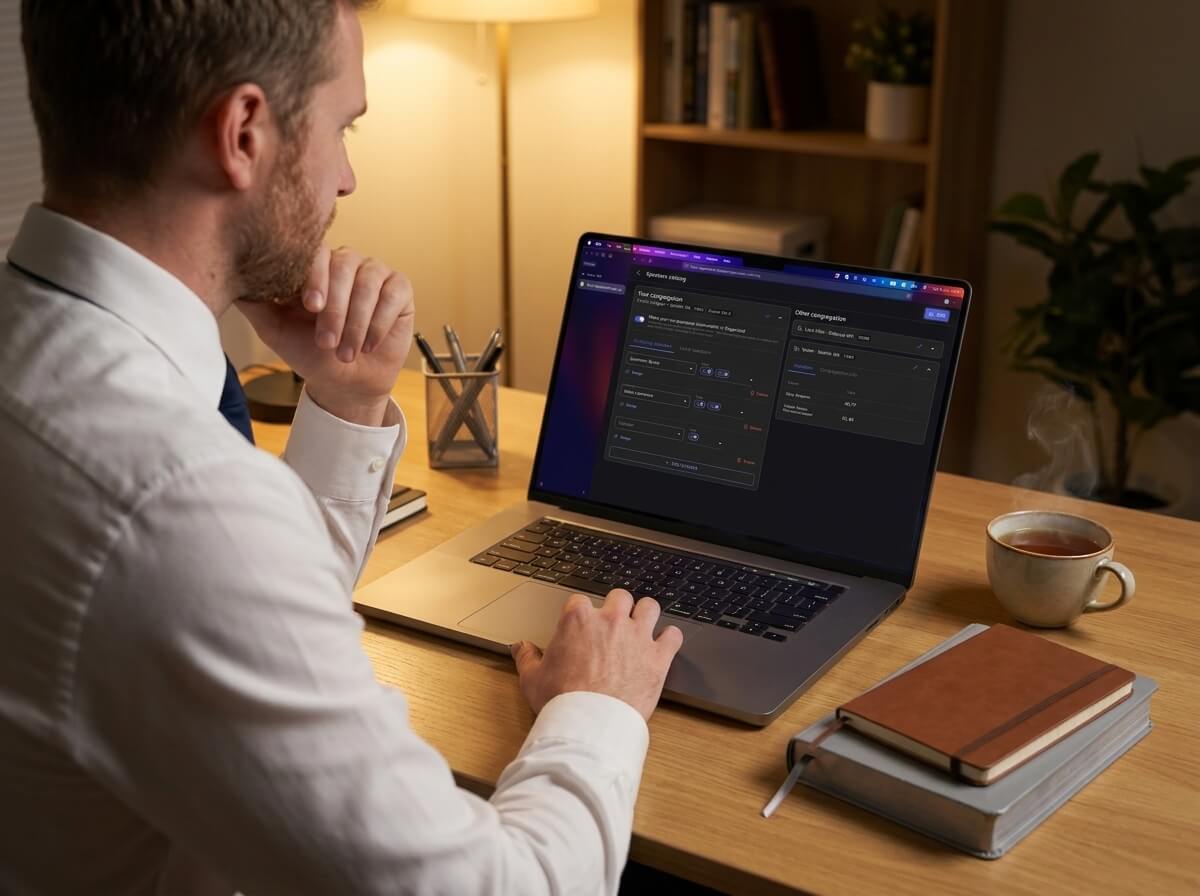
What does the public talk coordinator actually manage?
More than most people would think:
- Local speakers — which brothers in your congregation are qualified, what outlines they're approved to give, and when they last spoke
- Visiting speakers — speakers from other congregations, their available dates, preferred outlines, and chosen songs
- Outgoing assignments — your own speakers going to other congregations
- Outline history — tracking which talk outlines have been given recently to avoid repeats
- Song conflicts — making sure a visiting speaker's opening song doesn't duplicate the Watchtower Study song
- Public talk media files — the additional image files to display on the screen during the talk
- Cancellations — finding a replacement when a speaker falls through at the last minute
With a notebook, spreadsheet and a phone, managing all of this means scribbling notes during phone calls, flipping through pages to check history, and hoping you didn't miss anything. With a digital tool, it means opening one screen.
How does Organized bring all of this together?
The public talks section in Organized gives the coordinator a unified view:
Three speaker sources. For any given weekend, you can schedule a local speaker (from your congregation), a visiting speaker (from the shared speakers catalog or manual input), or a JW Stream recording. Each option works differently, but they all live on the same scheduling page.
Outline tracking. The app records which outlines have been given and provides you with the history of outlines given in your congregation, so you can schedule the upcoming topics better.
Song conflict detection. If a visiting speaker's chosen song matches the Watchtower Study song for the same meeting, Organized alerts you before the schedule is published. A unique feature of the app is allowing outgoing speakers to define their songs list for each talk directly in their profile to help fully avoid duplication of songs on weekend meetings.
Outgoing talk sync. If both congregations use Organized, outgoing assignments sync automatically — your speaker's home schedule shows the outgoing assignment without anyone re-entering data manually.
What about cancellations?
The coordinator's fear: a call Sunday morning that the visiting speaker can't come today. In Organized, the response is fast:
- The app lists all local speakers and their approved outlines that they already have prepared
- A settings option lets you designate a local backup speaker: a brother who's prepared to step in if a visiting speaker cancels
Does the schedule integrate with the rest of the weekend meeting?
Yes of course, the public talk schedule lives alongside the chairman, Watchtower reader and prayer assignments. The weekend meeting schedule is one unified view, not a collection of separate documents.
Try the public talk coordination flow in the test mode, in this mode you can find a complete imaginary congregation with speakers, outlines, and connected congregations ready to explore.
Frequently asked questions
Can I see which outlines a visiting speaker is approved to give? Sure thing! The speakers catalog shows each speaker's approved outlines. You can click directly from the catalog into the scheduling page to add them to a specific weekend.
Does the coordinator still need to contact the other congregation? Yes, always. The catalog gives you the information to plan, but Organized doesn't take over the responsibility for communication with other congregations and double-checking the availability of the speakers. The app handles logistics; the arrangement is still a conversation between brothers.
Can I track outgoing talks my congregation's speakers give elsewhere? Yes! Outgoing talk assignments are visible on the same page as the home schedule, so the full picture is always clear.